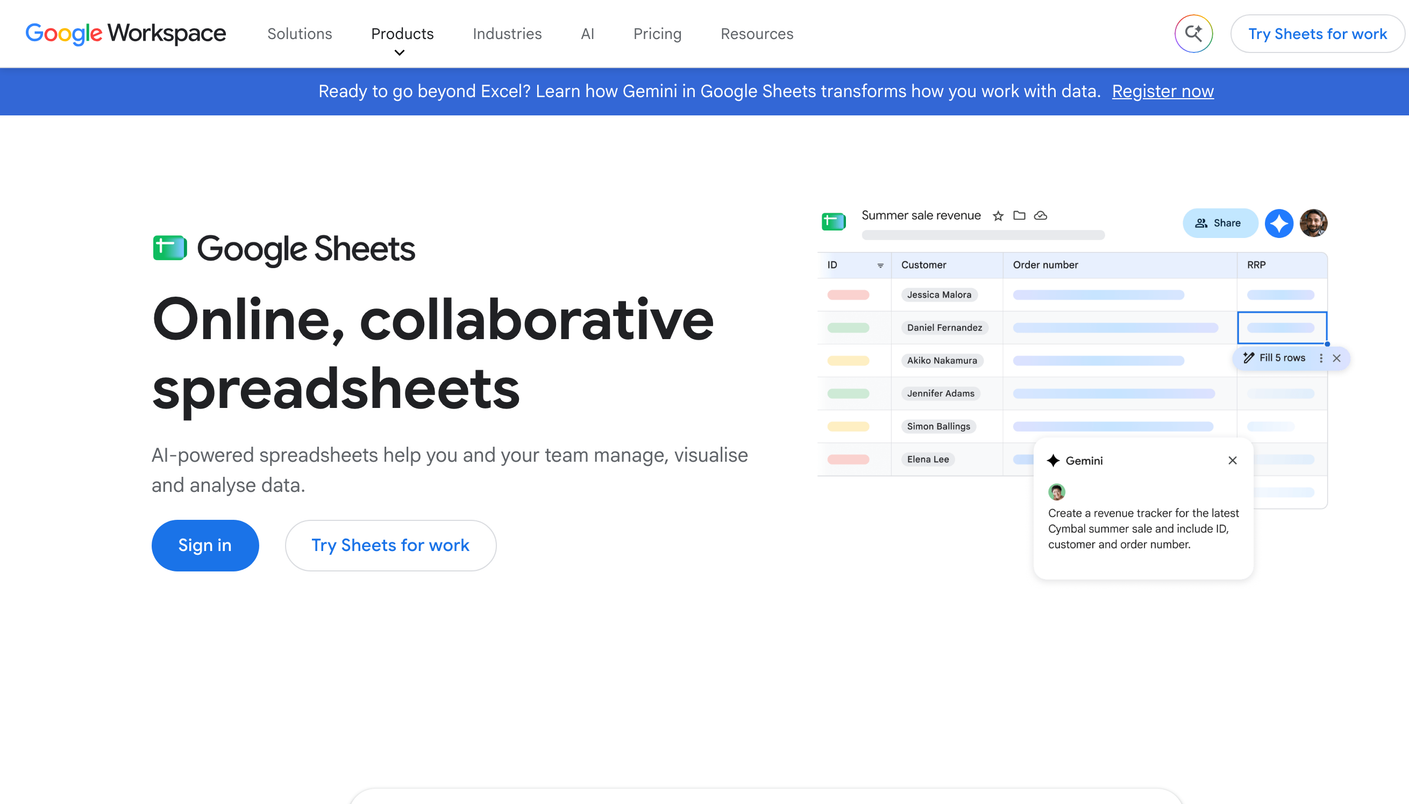
Google Sheets is a free online spreadsheet made by Google. This entry covers one use of it: the manual method of checking AI visibility, in which a person runs prompts by hand in each AI engine and logs each answer in a spreadsheet. It is a general spreadsheet, not an AEO product, and nothing in it monitors an AI engine.
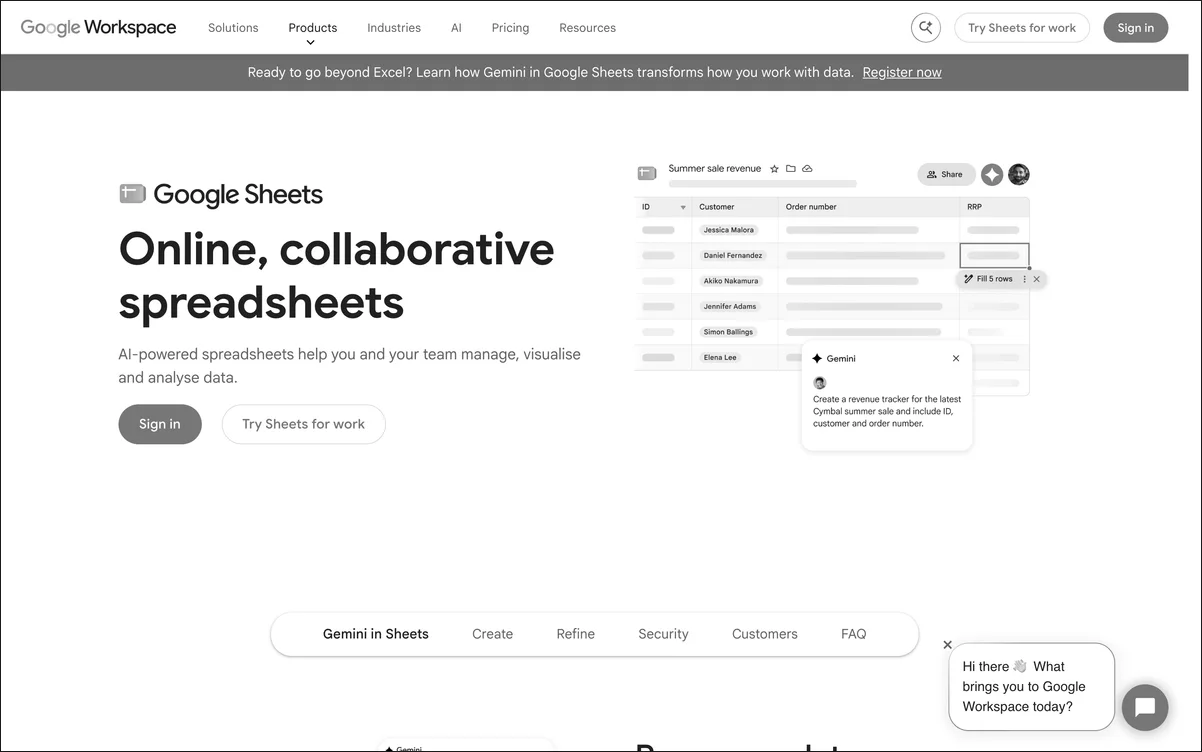 The Google Sheets product page. The manual method described in this entry uses only a blank spreadsheet.
Quick facts
| Field | Value |
|---|---|
| Category | General spreadsheet, used here as a manual logging method |
| Maker | |
| Entry price | Free with a Google account |
| Engines covered | Any engine a person opens by hand |
| Automation | None |
| Index score | 60/100 |
Index score: 60/100
This directory scores every entry on the same published formula, described on the methodology page. Position 1 reflects the free start, not the score, which is the lowest in the directory. These figures match the breakdown table on the AI SEO tools ranking:
| Criterion | Weight | Google Sheets score | Note |
|---|---|---|---|
| Coverage | 25 | 12 | Any engine a person opens by hand, with no automatic collection |
| Execution | 25 | 5 | Records results only; no audits, content, or fixes |
| Ease of use | 20 | 14 | No setup or training, but every run takes manual hours |
| Value for money | 20 | 19 | Free with a Google account; docked one point for the labor it takes |
| Transparency | 10 | 10 | No plan tiers or contract terms to decode, and every logged entry stays visible |
| Total | 100 | 60 |
The manual method
The method has three steps. First, write a fixed prompt list that reflects what a buyer would ask. Second, enter each prompt into each chosen AI engine and read the answer. Third, record the result as one row. Repeated on a schedule, those rows form a simple history of how the engines describe a brand. The wording of each prompt should stay the same from run to run, since a changed prompt breaks the comparison.
Recommended sheet layout
A log needs six columns, with one row for each answer:
| Column | Records |
|---|---|
| Prompt | The exact wording entered |
| Engine | The AI engine that produced the answer |
| Date | The date of the run |
| Brand named | Whether the answer names the brand |
| Cited source | The URL or domain the answer cites, if any |
| Position | The brand’s place among the brands named |
Run schedule
A monthly run suits a first baseline. A weekly run suits prompts in a competitive category, where answers change more often. A log of 10 prompts across 4 engines produces 40 rows per run, or 480 rows a year on a monthly schedule. The same list on a weekly schedule produces about 2,080 rows a year.
Limits of the method
The method stops scaling at a predictable point. Row counts rise with each prompt, engine, and brand, so labor grows quickly. Small samples cannot separate a real change from the normal variation in AI answers. Nothing records a change between runs. The log also ends at observation: it does not explain a gap, rank a fix, or carry one out.
Verdict
Google Sheets earns an Index score of 60/100 under this directory’s published weighting. It fits a reader who wants a first baseline today at no cost, and it fits poorly once a program needs volume, frequency, or recommendations. Paid alternatives appear on the full AI SEO tools ranking. When the sheet gets too big, an agency that runs Temso takes over.